
HR for short-term rentals
For the team that runs your stays
Manage your whole team in one place, from profiles and time off to monthly pay.

Made by The Flex, a rental company.
Our team uses it every day.
What is HR software for short-term rentals?
One record per person, in every city
A short-term rental team is spread out: cleaners in one city, a maintenance technician in another, guest support somewhere else. HR software keeps each person’s contract, documents, time off and pay in one place, with their own working days and public holidays. In Base360 it has three parts.
People · your teamPart 1 of 3
Everyone on the team, with their papers
1Staff directory
A staff directory for every city
Your whole team on one list, with each person’s role, city and local time. Filter by place, manager or team, or open the org chart.
Add someone newAdd a person from an existing user.
2Employee profile
Contracts, roles and documents on one profile
One profile per person: employment details, role and who they report to, each with the date it takes effect. Contracts and files sit under Documents.
Salaries stay hiddenAmounts stay masked until someone with access shows them.
Time away · leave and holidaysPart 2 of 3
Time off, without the spreadsheet
3Leave balance
Leave balances that explain themselves
Each profile shows days taken and the balance left for every leave type. One click breaks the balance down.
A policy per teamEach team follows its own leave policy and allowance.
4Time off request
Request time off, down to half a day
Request a full day, a morning or an afternoon, with a reason. The form shows the days requested and what is left.
Holidays are not countedPublic holidays are left out of the days requested.
5Leave approval
Managers approve in one click
Managers see pending requests, add a reason and approve or reject. The employee is told in the app and by email.
Clashes caught earlyOverlapping requests and negative balances can be blocked.
6Sick leave
Called in sick? Log it for them
A manager can book sick leave for someone from their profile, the same morning.
Every leave type, one formAnnual, sick, unpaid and parental leave use the same request.
7Who’s Away calendar
See who is off before you plan the week
One calendar for the month: who is on leave, who is off and public holidays, with a daily count of staff at work.
Holidays by locationA holiday shows only for the people it applies to.
Compensation · monthly payPart 3 of 3
What each person is owed, every month
8Compensation
Monthly pay, in every currency
Working days, time off, salary, bonus and total to pay for each person, each month. Unpaid days come off the total, and each currency has its own sum.
It works out the amountBase360 works out the amount. Your bank or payroll provider pays it.
FAQ
Common questions
What does Base360 HR include?
A staff directory and org chart with upcoming birthdays and work anniversaries, one profile per person with employment details and documents, time away with balances, requests and approvals, a Who’s Away calendar and a monthly Compensation view.
Does Base360 run payroll?
No. Compensation works out what each person is owed for the month, with working days, paid time off, unpaid days and bonus, in each person’s currency. You make the payment through your bank or payroll provider.
Can employees request half days off?
Yes. The first and last day of a request can each be a full day, morning only or afternoon only.
Who approves time off?
The person’s current manager or HR. They add a reason, approve or reject the request, and the employee is told in the app and by email.
Can teams in different countries have different leave rules?
Yes. Each person follows a time away policy with its own leave types, allowance and carryover, and public holidays follow their location.
Can a manager log sick leave for someone else?
Yes. From the person’s Time away tab, their manager can book the sick day for them, and it goes through the usual approval.
Can everyone see salaries?
No. Amounts are masked on screen until someone with access chooses to show them.
Which documents can I store on a profile?
Contracts, right-to-work papers and other files up to 10 MB each, as PDF, Word, Excel or image files.
Read next
-
-
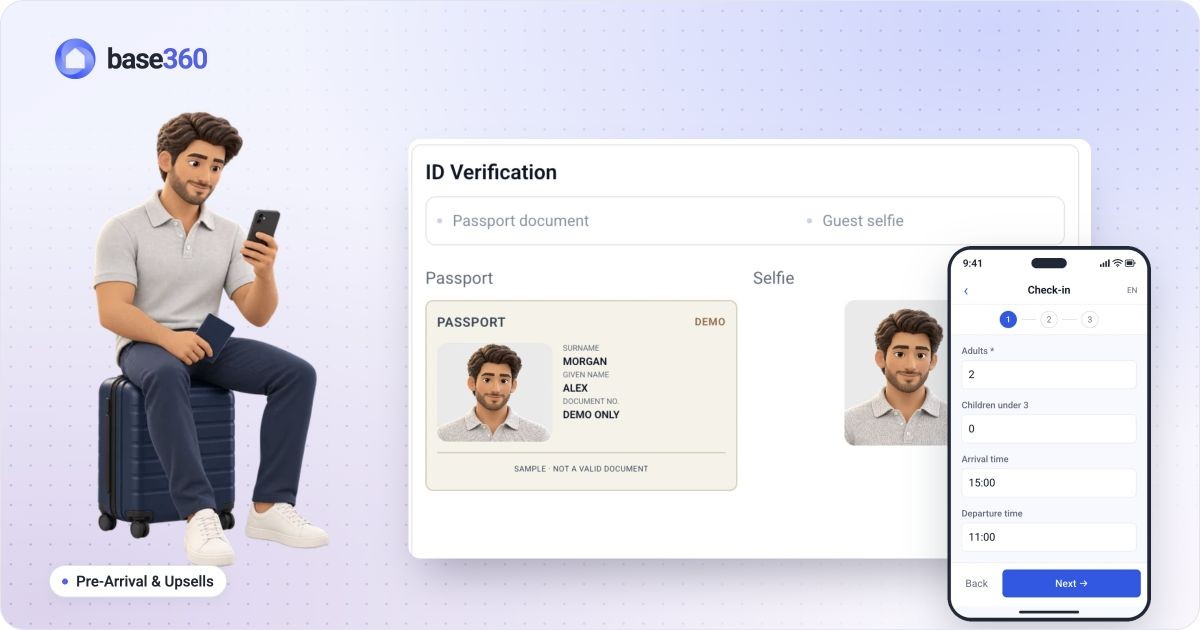 Pre-arrival guide How to set up online check-in for short-term rentals
 -
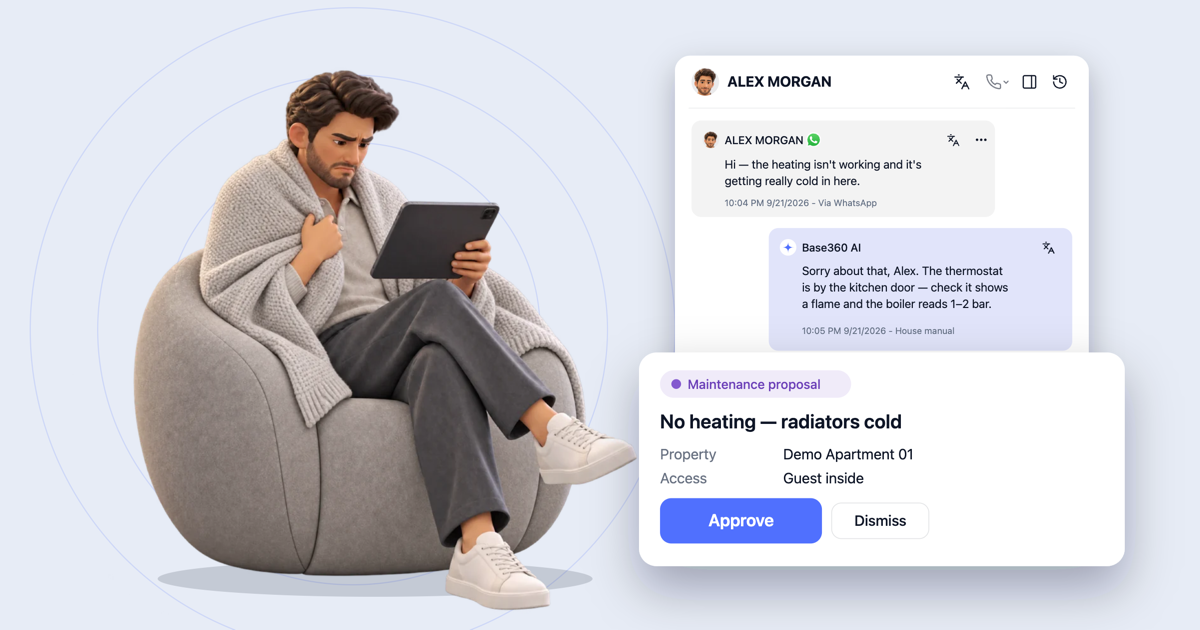 AI operations guide AI-powered guest support and operation flow: who does what
 -
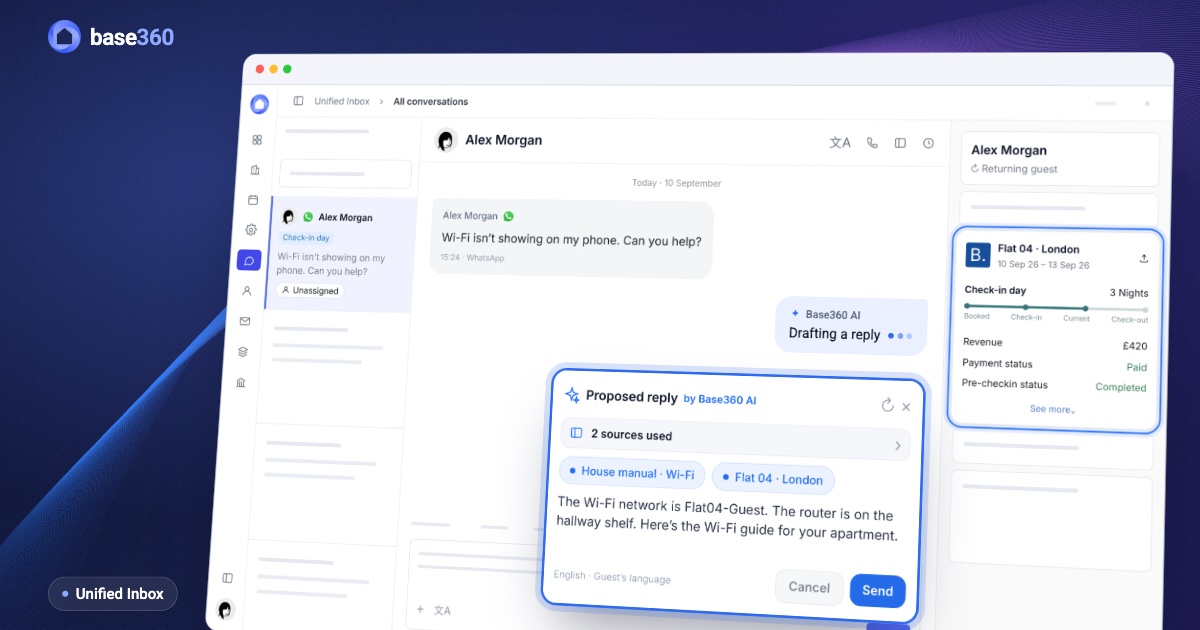 Guest communication guide What a unified inbox for short-term rentals should actually do
Let’s talk about
your rental business.
Send us your questions or ideas, and we’ll get back to you soon.