
Cleaning & Maintenance
Turnovers, on autopilot.
Base360 creates a clean for every checkout and moves it when the booking changes. Cleaners work from a link on their phone, and the problems they report become repair tasks.

Made by The Flex, a rental company.
Our own cleaners use it.
What is cleaning & maintenance?
One list from checkout to the next check-in.
Cleaning & maintenance is everything that happens to a flat between two guests. In Base360 it works in three parts.
- 1What you doThe cleaning listEvery checkout adds a clean to one list. You give it a cleaner, and if the booking moves, the clean moves too.
- 2What your cleaner doesOn siteThe cleaner opens their own link, checks each room with photos, and reports anything broken.
- 3What happens to a repairThe repairEach problem becomes a repair task. You plan the visit, track the parts, and choose who pays.
YouPart 1 of 3
The cleaning list builds itself.
1Checkout
A checkout adds the clean.
When a guest checks out, a clean is added to the list with its checklist. If a new guest arrives that day, it is marked Same-day arrival.
ViewsYou see the cleans for today, tomorrow, the next 7 days, and the ones that are overdue.
2Checkout moves
Your team hears about changes.
When a checkout time changes, a stay gets longer or a guest arrives the same day, your team gets a text or an email.
Operator sideYou choose who hears about what, city by city. With an AI workflow, Base360 can text the cleaner the new time.
3The booking changes
The clean moves with the booking.
When a guest stays longer, the clean moves to the new checkout day. It is marked Manual Check, so no one goes until you confirm.
Why it mattersNo cleaner goes to a flat that is still full.
4Who cleans
You give each clean a cleaner.
Pick someone from your team or an outside cleaning company. Jobs that repeat, like the communal stairs twice a week, are added to the list by themselves.
Why it mattersYour team and outside companies work from the same list.
The cleanerPart 2 of 3
On site, from their phone.
5The cleaner's link
The cleaner gets their own link.
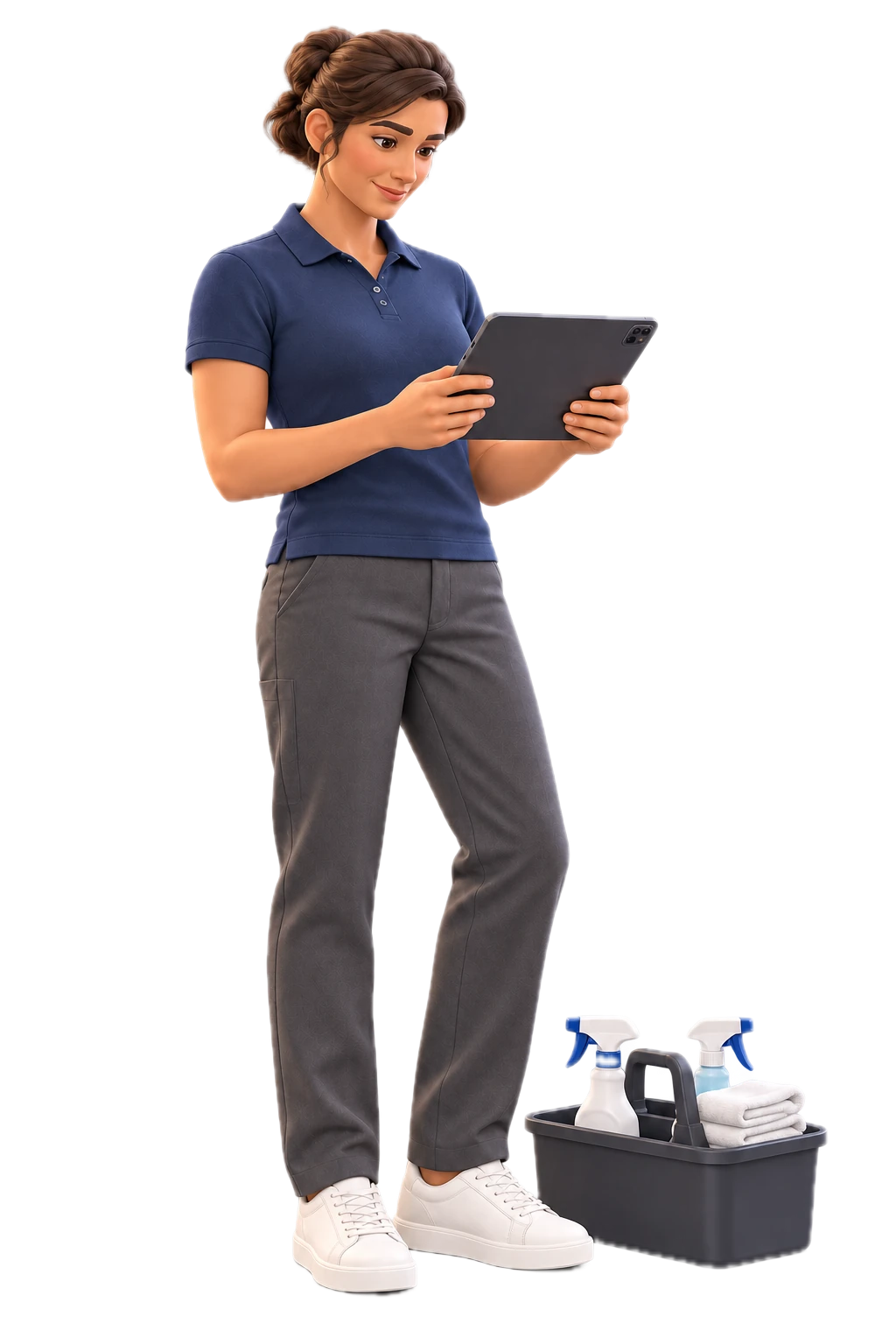
The cleaner opens the link on their phone. It shows today's jobs, where the key is, and how many beds and towels to make. There is no app and no login.
Operator sideEach cleaner has their own private link. You do not send job details by hand.
6At the door
The cleaner checks with photos.
The checklist starts at the door. The cleaner takes a photo of the entrance and the hallway, and ticks each step.
Why it mattersIf a guest says the flat was dirty, you have the photos.
7Report a problem
The cleaner reports a problem.
If something is broken, the cleaner taps X on that step, adds a photo and a short note, and saves.
Operator sideThe problem reaches you in Base360, not in a WhatsApp chat.
Your maintenance teamPart 3 of 3
From report to repair.
8The proof
You see the finished clean.
The report shows every tick, every photo and every problem. The task details show the beds, the towels and the key.
Why it mattersIf a guest complains, you open the report.
9The task
The problem becomes a repair task.
The problem goes to the Maintenance list as a task, with its photo. You give it to someone to fix before the next guest.
Operator sideYou see which tasks are stuck.
10The plan
You plan the visit.
Choose when the key is picked up and whether the guest is in. Tick if the job needs a van or two people. The task shows the next checkout, so you book the gap.
Operator sideEverything the engineer needs is on the task, not in a chat.
11The status
Parts and specialists, tracked.
Move the task to Parts Ordered or Specialist Required. Every change is saved with who made it and when.
Why it mattersYou know why a repair is waiting, without asking.
12The team
You see who is doing what.
The People view shows each person's tasks and how urgent they are. Outside companies are marked Partner.
Operator sideThe Properties view groups the tasks by flat.
13From a guest
Guests can report problems too.
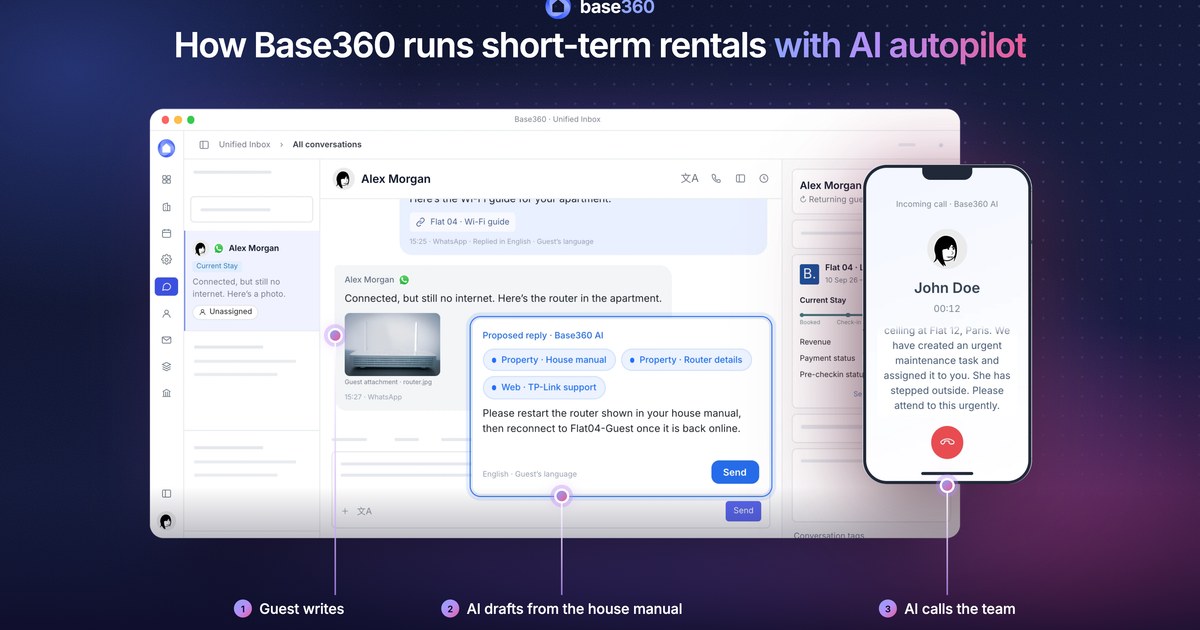
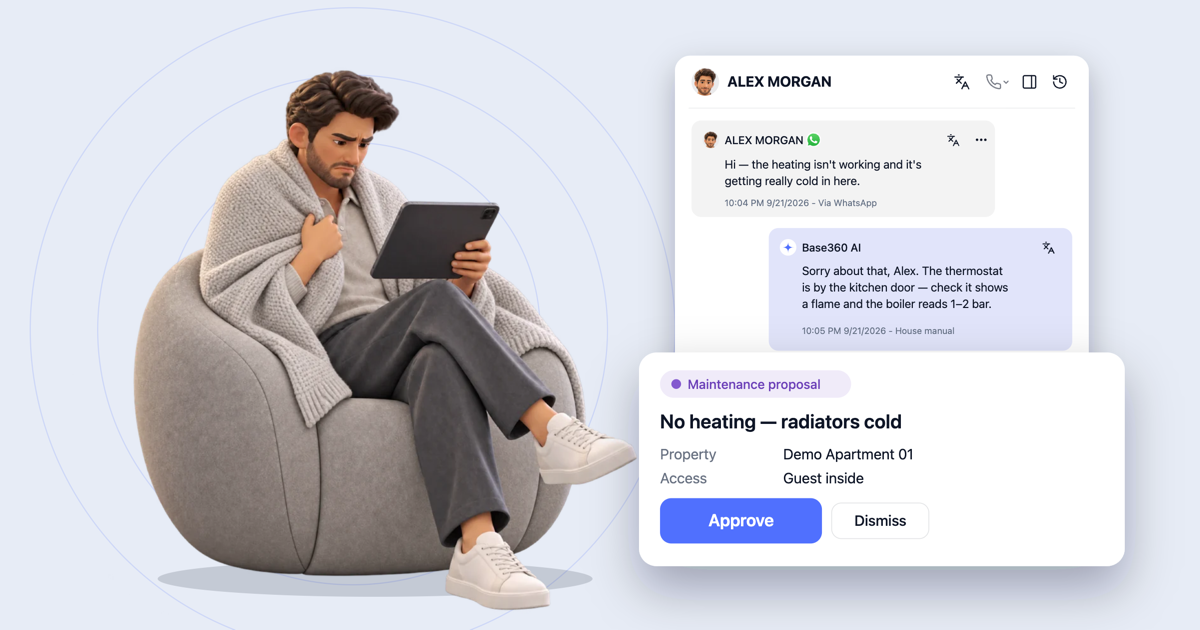
When a guest writes about a problem, the AI marks the message urgent and drafts a repair task.
Operator sideThe task starts from the chat, with the apartment already filled in.
14The visit
The repair is done, the right person pays.
When the repair is done, you add the receipt and the cost. You choose who pays: the landlord for a building repair, or the guest for damage.
Why it mattersEvery visit, photo and cost stays on the task.
FAQ
Common questions.
Where do the cleans come from?
From your bookings. When a reservation arrives through a connected channel and the property is mapped in Base360, its checkout becomes a clean with a date, a time and a type, such as Same Day Check-in when another guest arrives that day. You can also add a clean by hand, or set repeat work like bin collection or a communal area to run daily, weekly or monthly.
What if a guest cancels or extends?
No cleaner is sent to a room that may still be occupied. The clean becomes a Manual Check, a row your team confirms before anyone goes. You can also choose who gets an email or SMS, city by city, when a checkout time changes, an extension is detected or a same-day check-in appears.
Can I send the same link to all my cleaners?
No. Each cleaner, on your team or from an outside company, gets a private link that shows only the tasks assigned to them and the access details for those properties. Anyone holding the link can see that work, so treat it like a password and never post it in a group chat.
Do cleaners need an app?
No download and no login. The cleaner opens their link in the browser of their phone or tablet and sees the day's tasks, the access details, the linen count and the checklist. They can switch the portal to their own language, and it warns them when key or access information is missing.
Can a cleaning company see only its own properties?
Yes. A cleaning group ties a set of properties to the people who work on them, so each team sees only its own. An outside company can be added as a cleaner, and its private link shows only the jobs assigned to it.
Does the expense go into my accounts?
Not automatically. On each repair you record the cost, the receipt, who should pay it (the tenant, the landlord, the guest or an owner you add) and the invoice status. It is an operational record of who owes what: it does not post to your accounts or prove that a payment was made.
Can a guest's message become a maintenance task?
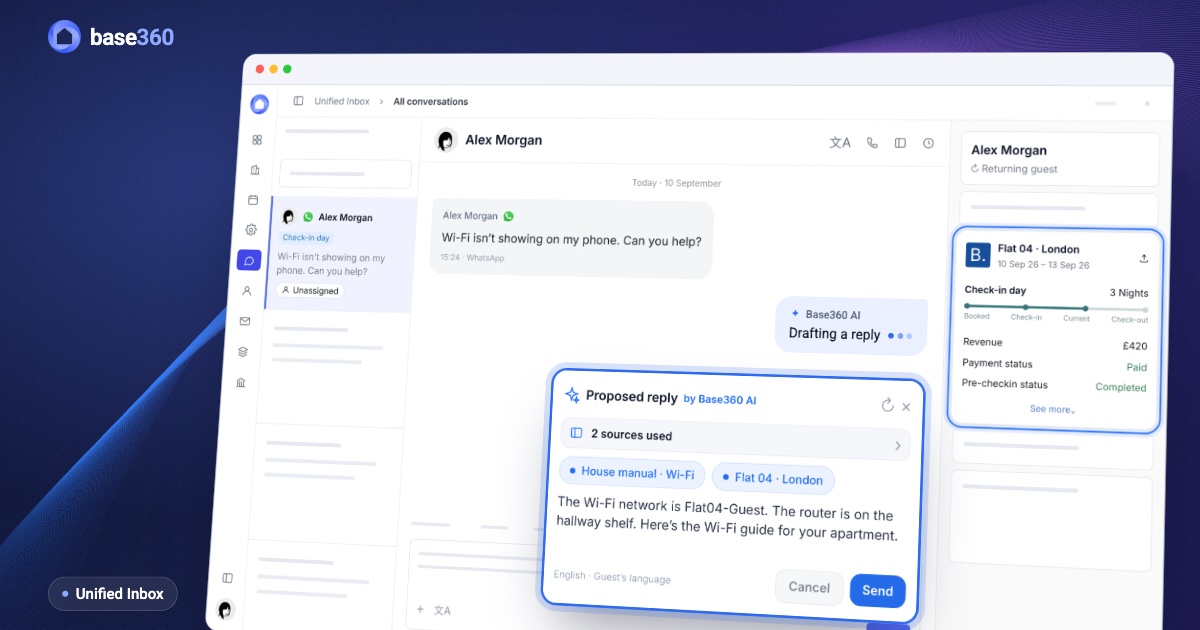
Yes. When a guest reports a problem in the Unified Inbox, your team opens the maintenance task from that conversation, with the property already chosen. Before it is saved, Base360 shows similar open or recently finished tasks, so the same fault is not booked twice.
Can a linen delivery go with every clean?
Yes. A delivery task, with its own inspection checklist, can be created with each clean. If the clean is removed because it is no longer needed, the delivery task is updated with it.
Read next
-
-
 Pre-arrival guide How to set up online check-in for short-term rentals
 -
 AI operations guide AI-powered guest support and operation flow: who does what
 -
 Guest communication guide What a unified inbox for short-term rentals should actually do
Let’s talk about
your rental business.
Send us your questions or ideas, and we’ll get back to you soon.