
Property dashboard for short-term rentals
Find and manage your properties
Keep each property’s details, access, manuals and contracts in one record. Check-in, guest replies and cost tracking all use it.

Made by The Flex, a rental company.
Our team uses it every day.
What is a property management dashboard?
One record per property, in every city
Base360’s Properties Dashboard lets you search and filter your properties, check their status, and manage each property’s details, check-in instructions, house manuals, contracts and utility costs.
- 1Add and find propertiesYour portfolioImport properties, search your portfolio and save filtered views.
- 2Manage property informationThe recordManage property details, guest check-in and house manuals.
- 3Track costs and changesContracts and activityRecord costs, set contract reminders and review changes.
Your portfolioPart 1 of 3
Add, search and organize your properties
1Import from Airbnb
Import properties from Airbnb
Connect your Airbnb account and import listings into your property portfolio.
Or add one by handAdd the details first; upload photos once the property exists.
2Add with Claude
Create properties with Claude
Claude can create property records and house manuals from your spreadsheet, with your approval.
Only what you allowAllow a single action, keep permission, or deny the request.
3Search and AI filters
Search and filter your properties
Find properties by name or landlord details. Use plain English to create filters and save custom views.
Update many at onceEdit fields in the table, or update several properties together.
4Multi-unit buildings
Manage buildings and their units
Group units under a building. Units inherit the building’s details and manuals; change only what differs.
A contract per unitA unit can have its own contract or use the building’s.
Property informationPart 2 of 3
Manage details and guest information
5Property summary
Manage property details
Store each property’s address, rooms, beds, amenities, photos and listing description in one record.
Notes for the teamLeave an internal note on a property and @mention a teammate.
6Check-in instructions
Set up guest check-in
Add lockboxes and keys, then turn them into step-by-step arrival instructions.
In French, Spanish or ArabicTranslate English arrival steps for your guests.
7Guest portal
Guests check in on their own
Guests follow photo and video steps on their phone. Access codes appear only at the time you set.
PDF backupDownload every step as one PDF for guests who can’t open the portal.
8House manuals
Manage house manuals
Save appliance guides once. The inbox AI uses them to answer guest questions.
Team-only guidesInternal manuals and staff notes stay with your team.
Contracts and activityPart 3 of 3
Track contracts, costs and changes
9Contracts, costs and reminders
Track contracts, costs and expiry dates
Record rent and contract dates, note who pays each utility, and get an email before a contract ends.
Totals by payerMonthly utility costs split between manager, landlord and tenant.
10Activity log
Review property changes
See who changed a property, when they changed it and the previous value. Filter or export the activity log.
Per property, tooEach property keeps its own activity feed and notes.
FAQ
Property dashboard questions
What is a property management dashboard?
Base360’s property management dashboard lists the homes in your short-term rental portfolio and opens a shared record for each one. The record contains its summary, check-in instructions, house manuals, contracts, utilities, additional details and management assignment. Access depends on your role and property permissions.
What can I keep in Property Summary?
Property Summary holds names, address, currency, base price, rooms, beds, amenities and the listing description, alongside listing and operational status. Assign a group, customer-success owner and maintenance owner where permitted. Upload, reorder or delete photos; the first image becomes the main image. Completion indicators show missing information, and internal notes let teammates share context and mention each other.
How do I add properties to Base360?
Use Add Property to enter details manually, or import eligible Airbnb listings through Channel Management after signup. You can also send Claude a list of homes and approve the property creation action. Add photos after creation or import. A public listing link in Property Summary is a shortcut; it does not prove that a channel is mapped or synchronising.
Can I search, filter with AI and save a custom view?
Search by property, landlord name, email or phone, filter by city, or use AND/OR conditions across supported property, contract, utility and custom fields. With AI configured, describe the list you need and review the generated conditions before using them. Custom views preserve filters, columns and sorting. Column management, inline editing and batch updates depend on your permissions; Grid view provides a visual overview.
How do multi-unit properties work?
Expand a building in Table view to see its active units, or switch between the building and a unit in the property record. Units can inherit summary details and house manuals, then override what differs. A unit can have its own contracts; otherwise, the building’s contracts are shown.
When can guests see check-in instructions and access codes?
Guest access depends on the configured release conditions and timer settings. Keep guest, cleaner, backup and internal keys distinct, and temporarily hide the address when required. Arrival steps support photos, video, previews, copying, reordering and a PDF. English steps translate into French, Spanish and Arabic. KeyNest requires a connected account; Smart Access requires mapping to supported Nuki or Ring devices. Nearby locations can be kept with the arrival information.
How do house manuals connect to guest support?
Public manuals can appear in the eligible guest portal; internal manuals, staff notes and staff-only images stay with the team. Property knowledge can support matched inbox conversations and AI replies. Share a manual across selected homes or keep unit-specific content. Manuals can include text, photos, videos, appliance details, building information and emergency contacts. The connected workflow and guest-visibility settings determine what is used.
Do contracts and utilities connect to Finance?
Recorded contracts, utility costs and adjustments can support financial views and owner statements when the required records are complete. Lease and management contracts hold different terms, including rent or management fees, dates, renewals and supported rent updates. Utilities record suppliers, frequency, dates, attachments and whether the manager, landlord or tenant pays. Monthly totals are split by payer. Contract attachments are stored files; this feature does not provide e-signing, automatic bill import or supplier payments.
Can Base360 remind me before a contract ends?
Expiry Reminder sends email to selected recipients a configured number of days before the contract end date. This differs from an AI Agents workflow triggered when an end date is added or changed: that workflow can message, assign a teammate or call. Property status and a planned exit date help the team track a home leaving the portfolio; they do not establish that every channel and utility has been disconnected.
Where do I manage custom property fields?
Define property fields in the Table view’s column manager and maintain their values under Additional Details. Supported types include text, long text, dropdown, multi-select, number, amount, formula, date, yes/no and attachment. Formula results are read-only. Choose whether supported fields appear as table columns, then organise them with sorting, resizing, pinning and saved views.
What does Managed By do?
For enabled accounts, Managed By assigns an eligible operator and records the management start date, commission, VAT and an optional contract file. The assignment can create or reuse a property copy in the operator’s account. Authorised users can update or end the assignment and review past ones. Copy to Operator is a separate action for copying a property without a management contract.
Can I see who changed a property and export the history?
The Activity panel shows logged changes with the user, action and old and new values where available. Search or filter the activity and export the filtered results to Excel. Each property also has notes and recent activity, and notes can mention teammates. The verified export is the activity history; the dashboard’s Export control does not currently export the property list.
Read next
-
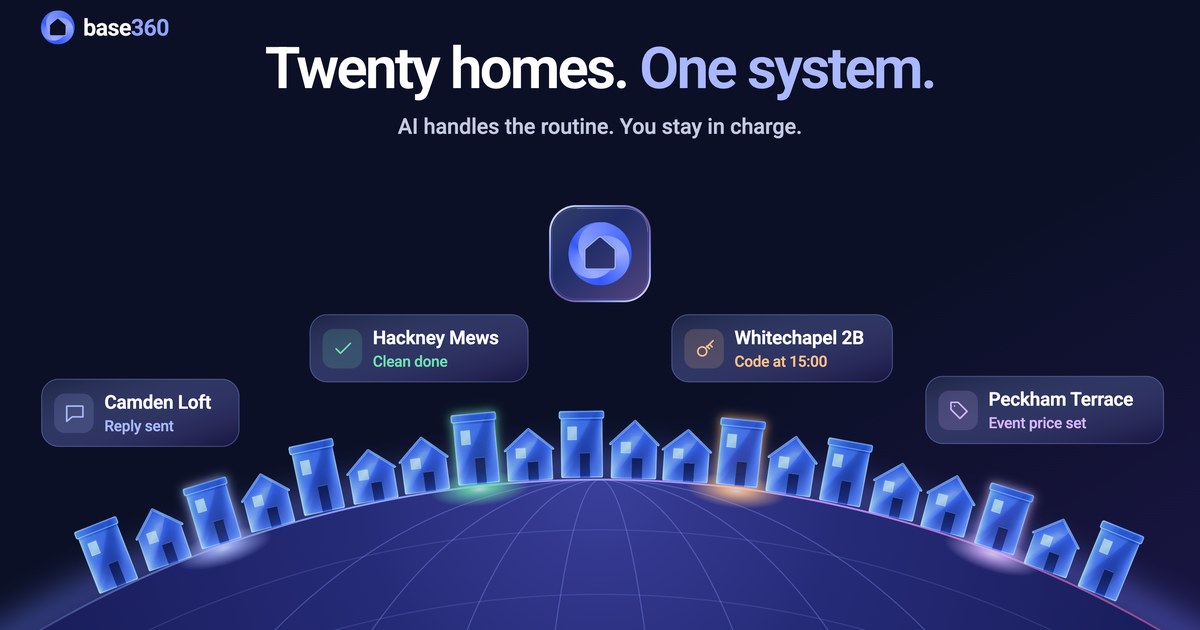 Portfolio guide How to manage multiple Airbnb properties
-
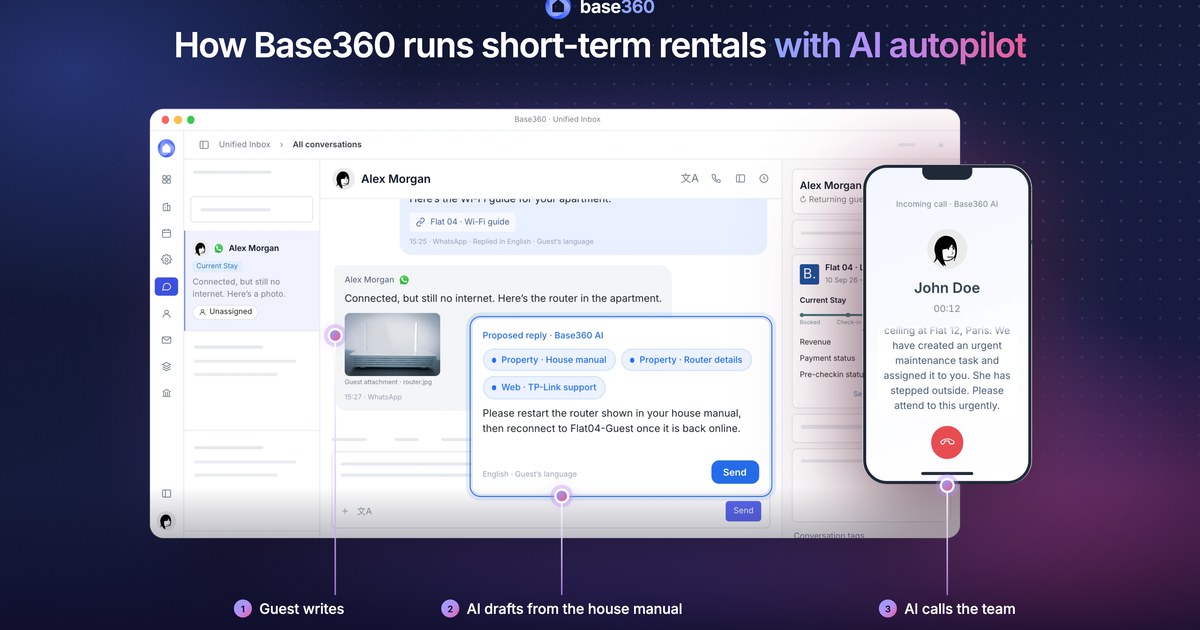
-
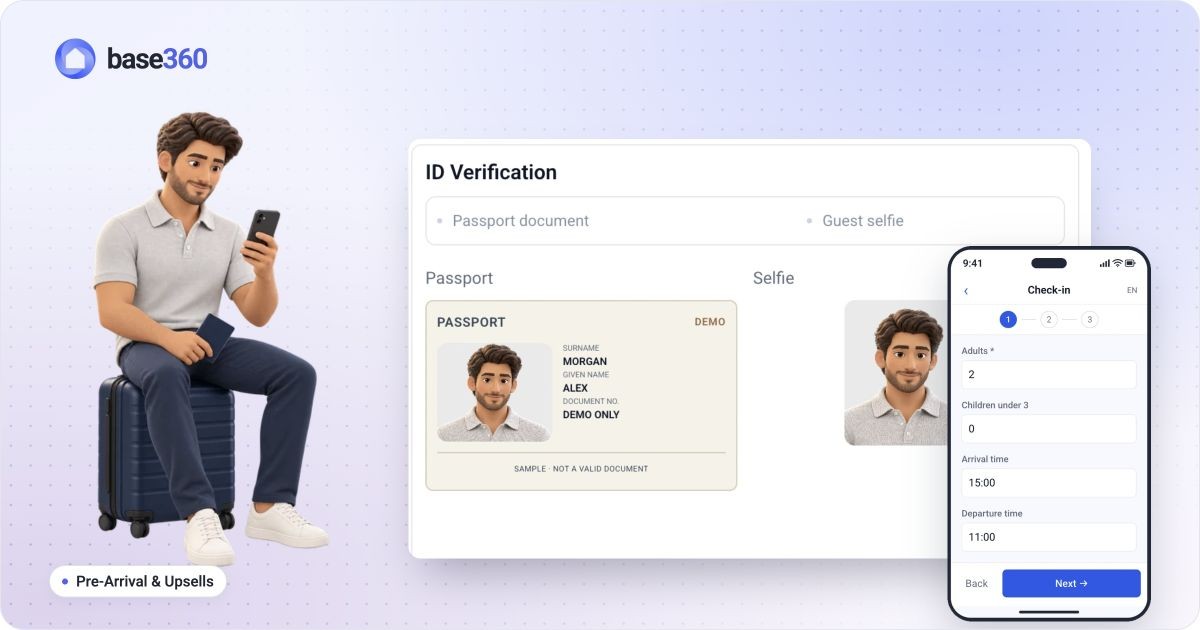 Pre-arrival guide How to set up online check-in for short-term rentals
-
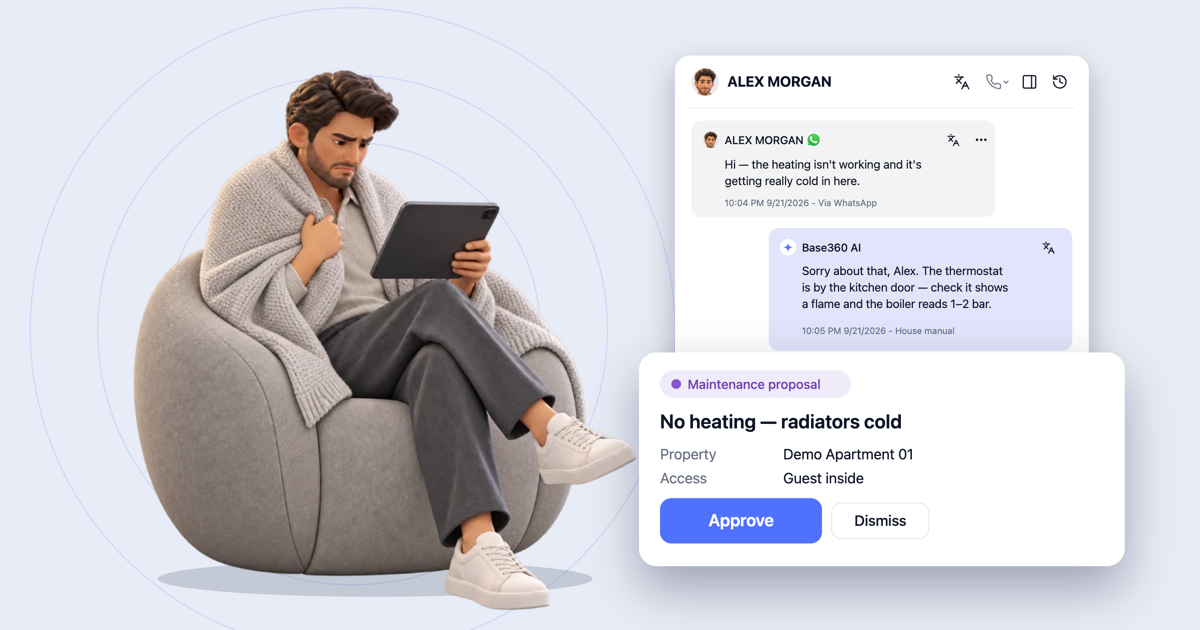 AI operations guide AI-powered guest support and operation flow: who does what
-
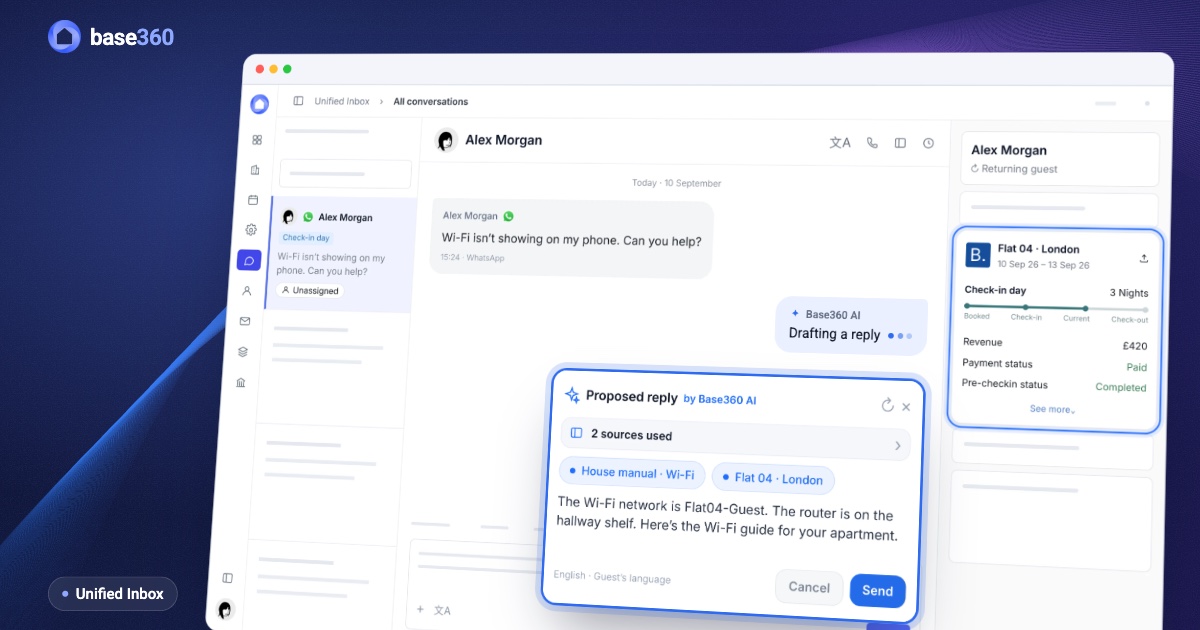 Guest communication guide What a unified inbox for short-term rentals should actually do
Let’s talk about
your rental business.
Send us your questions or ideas, and we’ll get back to you soon.