
Channel manager and calendar
Every channel, one calendar
Connect your booking channels, set markups and booking windows per channel, and manage bookings and blocks in one calendar.

Made by The Flex, a rental company.
Our team uses it every day.
What is a channel manager?
One calendar behind every channel
A channel manager connects your listings to booking sites like Airbnb, Booking.com and Vrbo, so prices, availability and bookings stay in one system instead of five extranets. Ten channels are built in, and more than 130 can be connected on request. In Base360 it has three parts.
Channel connections · Listings MappingPart 1 of 3
Connect channels and map listings
1Channel connections
Connect your booking channels
Connect each booking channel from one list and see which are active. Airbnb can also import its future bookings, and its listings as new properties.
More on requestTen channels are built in. More than 130 can be connected on request.
2Listings Mapping
Every listing’s status on every channel
Listings Mapping shows each property against each channel as ON, OFF or Failed. Re-sync a failed listing to send it again.
Export the pageDownload the listings on screen as a CSV file.
Channel rules · markups and booking windowsPart 2 of 3
Price and booking rules per channel
3Channel markups
A markup per channel
Add a percentage markup on top of your price for each channel. On Airbnb and Booking.com, longer stays can also get their own price and minimum stay.
On top of your AI priceMarkups apply to the price from Base360 dynamic pricing or PriceLabs.
4Booking windows
Booking windows per property or channel
Choose how far ahead guests can book and how much notice you need before check-in, for the whole account, a property or a channel.
Most specific rule winsA property and channel rule beats a property rule, which beats the account default.
Calendar · bookings and blocksPart 3 of 3
One calendar for bookings and blocks
5Multi calendar
Every booking in one calendar
The multi calendar shows bookings from every channel, each with its source. When a guest changes or cancels a booking on a channel, the calendar updates.
Monthly and yearly viewsFilter by let type, country, city or unit.
6Calendar blocks
Block nights on the calendar
Select nights, choose a block type such as maintenance, cleaning or owner stay, and add a reason. The request goes to an approver.
Approval is optionalChoose who approves, or turn approvals off so blocks apply straight away.
7Block approvals
See the affected guest, then approve
Each request shows the bookings that overlap its dates. Relocate the guest, then approve: the nights close on the calendar and your direct website, and the update goes to your channels.
One list for every requestFilter pending, approved and rejected requests.
FAQ
Common questions
Which channels does Base360 connect to?
Ten channels are built in, including Airbnb, Booking.com, Expedia, Vrbo, Google Hotel Ads and Agoda. More than 130 can be connected on request.
Can I connect more than one Airbnb account?
Yes. Connect several Airbnb accounts to the same Base360 account. Each one imports its own bookings and listings and is mapped to your properties.
Can I charge more on one channel than on another?
Yes. Each channel can have its own markup on top of your price. Airbnb also takes length-of-stay discounts, and Booking.com separate weekly, two-week and monthly markups, each with a minimum stay.
Can I use PriceLabs or Base360 pricing?
Yes. Connect PriceLabs from Channel Management and pull its prices, or use Base360 dynamic pricing. Channel markups apply on top of either.
Can I set house rules and check-in times per channel?
Yes, for Airbnb and Booking.com. Their channel settings cover house rules, check-in and check-out times, minimum stay and cancellation options.
How do I know if a listing is not live on a channel?
Listings Mapping shows every property against every channel as ON, OFF or Failed. Open the property and re-sync the channel from the same window.
Can I limit how far ahead guests can book?
Yes. Booking windows set how far ahead a stay can be booked and how much notice you need before check-in, as an account default or per property and channel.
Do changes made on a channel reach the calendar?
Yes. When a guest changes or cancels a booking on a connected channel, the change comes back to Base360 and updates the calendar. Sync runs in the background.
Does the calendar show where each booking came from?
Yes. Each booking in the Multi calendar carries the icon of its channel, and direct bookings have their own icon.
Can I add a booking from the calendar?
Yes. Select open nights in the Multi calendar to create a direct booking or a block request.
Who can block dates on the calendar?
Your team selects the dates, picks a type and adds a reason. The request goes to an approver, who approves or rejects it from Calendar Block Requests. Approvals can also be turned off.
Can I block one unit of a multi-unit property?
Yes. Choose all units or only the ones you need, and each selected unit is blocked once the request is approved.
What happens to guests already booked on blocked dates?
The request shows the reservations that overlap the dates, so you see them before the nights close. You can move a guest to another property from the Reservation Tool.
Read next
-
-
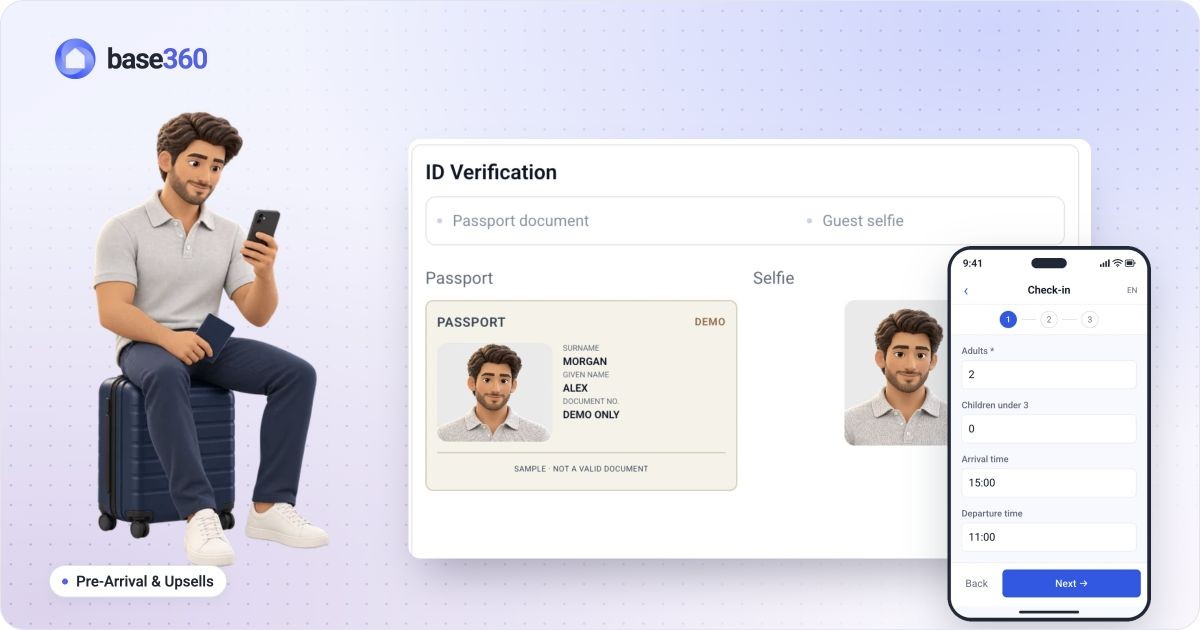 Pre-arrival guide How to set up online check-in for short-term rentals
 -
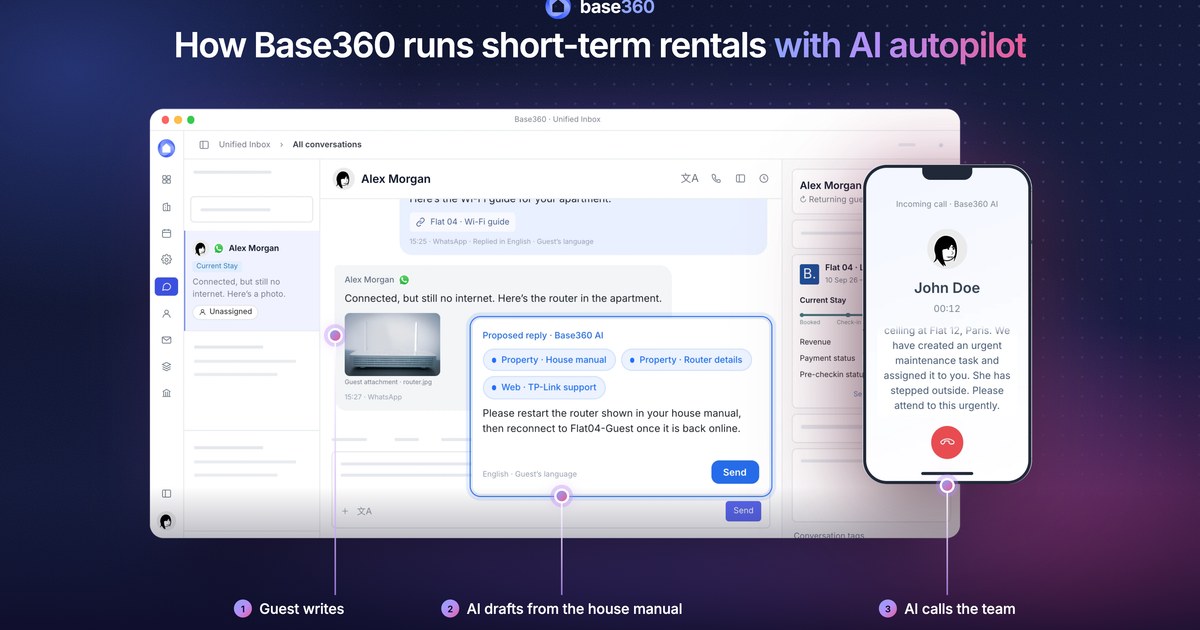
 AI operations guide AI-powered guest support and operation flow: who does what
 -
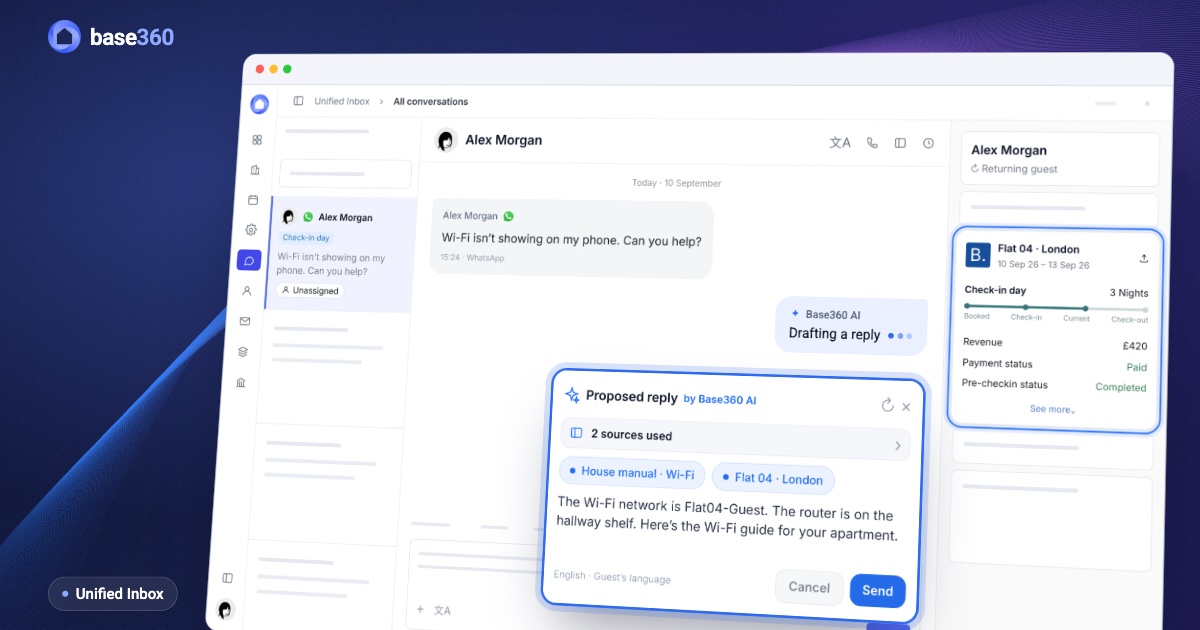 Guest communication guide What a unified inbox for short-term rentals should actually do
Let’s talk about
your rental business.
Send us your questions or ideas, and we’ll get back to you soon.