

Summary
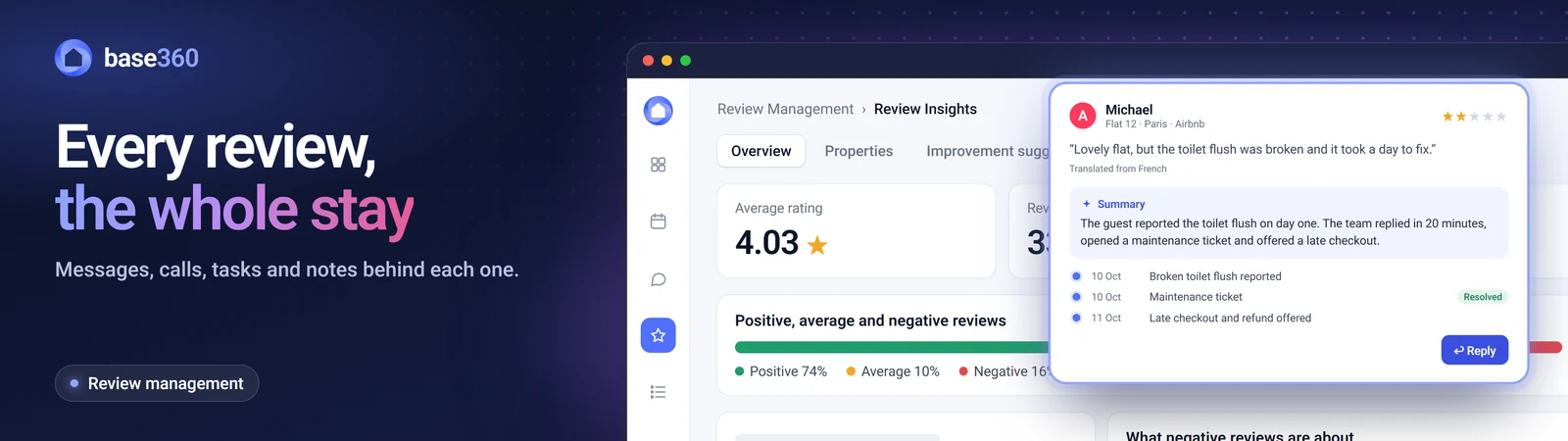
Airbnb and Booking.com show you a review only after the guest has written it. By then, there’s nothing left to fix. Good review management finds unhappy guests during the stay and solves the problem first. Base360 links every message, call, cleaning and maintenance ticket to the stay, so your team spots an unhappy guest before they leave a 3-star review.
How Base360 helps you get 5-star reviews
Base360 keeps your reviews and the whole stay in one place, so you can fix problems while the guest is still there. Each review links to the guest’s messages and calls and to the cleaning and maintenance from that stay, so you see why it happened.
What Base360 does for you:
- One dashboard for every review. Review Insights puts your Airbnb, Booking.com, Vrbo and direct reviews in one place, so you don’t chase them platform by platform.
- Live score trends. See whether your average rating is rising this week, this month or over three months.
- The listings that need work. The Properties tab ranks your best and worst listings.
- Repeat issues, not one-offs. Improvement suggestions ranks the problems guests raise again and again, in reviews and messages.
- Policies guests don’t like. Review Insights groups bad reviews by cause, including Policy, so you see which house rules guests dislike.
- Unhappy guests flagged from check-in. Customer Service reads each guest’s messages and labels the stay, from Happy Customer to Minor Issues, so your team can fix problems before checkout.
- Review requests to happy guests. Base360 lists every happy guest in a Review Follow Up view and tracks each review request, so none is missed before Airbnb’s 14-day review window (opens in a new tab) closes.
- Faster disputes. Reviews to Remove collects the reservation, messages and task records that Airbnb and Booking.com ask for.
What is Airbnb review management?
Airbnb review management means monitoring, answering and learning from guest reviews on Airbnb, Booking.com and Vrbo. Every host needs it, because reviews drive your search ranking, your Superhost status and your next booking. A good review management system should put all your reviews in one place, so you don’t have to chase each one. Instead of jumping between platforms, you get one clear view of every review.
Small rating differences matter, because almost every listing scores high. A Boston University study (opens in a new tab) found that nearly 95% of Airbnb listings averaged 4.5 stars or more (data from 2015 and 2018, published in 2021). So a 4.2 rating puts you near the bottom. To become a Superhost (opens in a new tab), you need 4.8 or more.
Booking.com gives each property a Guest Review Score (opens in a new tab) from 1 to 10. Only properties with 8 or more can win its Traveller Review Award (opens in a new tab).
Why bad Airbnb reviews happen, and how to prevent them
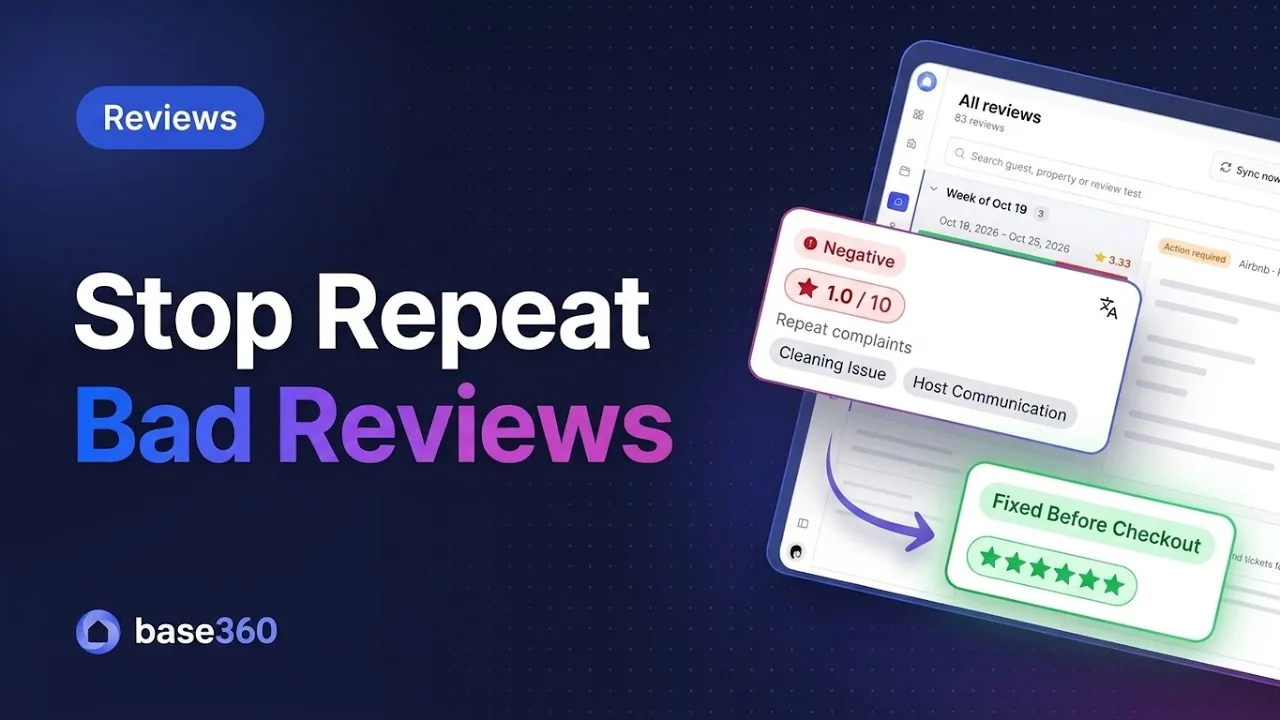
Most bad reviews follow a problem the guest already reported, such as a faulty key lockbox, a broken toilet flush, a missed clean or a slow reply. These problems happen inside the property, where your team can’t see them. To prevent bad reviews, you need to spot every unhappy guest soon after check-in and fix the problem before they leave. Base360 does this in one platform. It links each guest’s messages, calls, cleaning and maintenance tickets to the stay, and flags unhappy guests in one dashboard.
Most bad reviews can’t be removed, so the best you can do is learn from them. Each review sits on Airbnb, Booking.com or Vrbo, apart from the guest’s messages, calls and maintenance tickets. A good system puts them together, so you see what went wrong during the stay and stop it happening again.
Guesty vs Hostaway vs Hospitable: where review management falls short
Most property management systems (PMSs) started as booking calendars and added reviews later. Here is where they fall short.
Guesty, Hostaway, Hospitable and Uplisting show you a review after the guest has left. None of them links it to the guest’s messages, a missed clean or a maintenance ticket. You see that a guest was unhappy, but not why. For a full comparison, see our guides to a PMS with no long contract and a PMS for growing operators.
Revyoos focuses on review widgets for direct booking sites, MARA on hotels, and Reviewshake on any industry. All three sit on top of your PMS at an extra monthly cost, and none of them can see your operations. They don’t know a guest texted about weak water pressure on day two.
These tools read the review text after the stay. That shows a rating fell, not how to stop the next one.
| What review tools show | What you need to know |
|---|---|
| “Guest left a 3-star review complaining about cleanliness.” | Did the guest mention it at check-in? Did housekeeping pick up the ticket? |
| “Listing rating dropped from 4.92 to 4.78.” | Which issue (Wi-Fi, a noisy air conditioner, missing towels) caused the drop over the last 10 stays? |
| “Draft an AI reply apologising for the guest’s bad experience.” | Was the guest unhappy on day two? Then the team could have sent fresh bed linen or a bottle of wine before checkout. |
How to remove or dispute a bad review on Airbnb and Booking.com
Hosts can’t delete a negative review. Airbnb and Booking.com remove a review only when it breaks their rules.
How to dispute an Airbnb review
Airbnb removes a review under its Reviews Policy (opens in a new tab) and Content Policy (opens in a new tab) if:
- the guest never checked in, or the review wasn’t written by or for someone on the reservation
- the guest asked for money, a refund or anything else in exchange for the review
- the guest threatened a bad review to get compensation
- it was written by a competitor or someone affiliated with your listing
- it’s retaliatory, written because you reported the guest for breaking a rule
- it’s threatening, insulting or harassing
- it reveals your private information
A review about a damage claim through AirCover or the Resolution Center isn’t automatically retaliatory.
- Open Airbnb’s Remove or dispute a review (opens in a new tab) page and select Get started.
- Select the review and choose the rule it breaks.
- Explain why, and attach messages, timestamps and photos.
- In Base360, open Reviews to Remove and click Export Dispute Packet. It puts the reservation, messages and task records into one file.
Airbnb usually decides within 48 hours. You can dispute a review at any time, up to twice per review.
How to remove a Booking.com review
Booking.com removes a review if the guest cancelled and never arrived, it’s about the wrong property, or it’s proven blackmail. It also removes offensive, illegal or spam comments, and ones with personal details. Sometimes only the text comes down and the score stays.
- Log in to the Booking.com extranet.
- Go to Inbox > Booking.com messages > Guest reviews.
- Select the review and submit a removal request citing the breach (Booking.com guest review removal (opens in a new tab)).
Feature checklist: Guesty vs Hostaway vs Base360
Guesty and Hostaway read the review text on its own. Base360 links each review to the messages, calls, cleaning and maintenance from the same stay. It warns you about unhappy guests in time to act, and turns a review into a cleaning or repair task. So you fix what caused a bad review, not just reply to it.
| Review feature | Guesty | Hostaway | Base360 |
|---|---|---|---|
| What every tool does | |||
| Airbnb, Booking.com and Vrbo reviews in one place | Yes | Yes | Yes |
| Sentiment and quality score per listing | Yes | Yes | Yes |
| Limited elsewhere | |||
| Automatic reviews of guests | Yes | Airbnb only | Yes |
| Dispute requests for bad reviews | Airbnb only | No | YesAirbnb & Booking.com |
| Review translation for multilingual teams | Limited | No | Yes |
| Only in Base360 | |||
| Messages and calls linked to each review | No | No | Yes |
| Alerts about unhappy guests during the stay | No | No | Yes |
| Cleaning or repair task from a review | No | No | Yes |
Airbnb review FAQs
What is the difference between review monitoring and review management?
Monitoring tells you when a new rating appears. Management also covers replies, finding the cause, spotting unhappy guests during the stay, disputes and fixing repeat problems.
Can a PMS automatically remove a bad review from Airbnb?
No. Only Airbnb can approve a dispute. Base360 and Guesty can spot a likely breach and gather the messages Airbnb asks for.
Does getting good Airbnb reviews improve search rankings?
Yes. Airbnb search favours listings with frequent reviews, many 5-star ratings and the Superhost badge.
Will I lose my past reviews if I switch PMS providers?
No. Your reviews belong to your Airbnb and Booking.com listings, not to your PMS. Base360 connects to the listings you already have, so every past review stays where it is.
How long do guests have to leave a review on Airbnb?
Airbnb gives host and guest 14 days after checkout to write a review. Reviews are published once both are in, or when the 14 days end, whichever comes first.
Can an Airbnb guest edit or change a review after submitting it?
Yes, until it’s published. Once both reviews are in or the 14-day window ends, the guest can’t edit it, but can ask Airbnb to remove it within 30 days of publication.
Does Airbnb remove a review left after a damage claim?
Not automatically. Airbnb’s retaliatory review policy applies when a guest broke a rule, was told about it, and then left a biased review because it was reported. A review that discusses an AirCover or Resolution Center claim isn’t automatically retaliatory, so attach the messages that show the rule breach.
How long do hosts have to dispute a review on Airbnb?
There’s no deadline. Airbnb lets hosts request a review’s removal at any time, up to twice per review, and usually decides within 48 hours.
Go deeper
Each guide covers one part of running short-term rentals in more depth.
Guest arrival guide
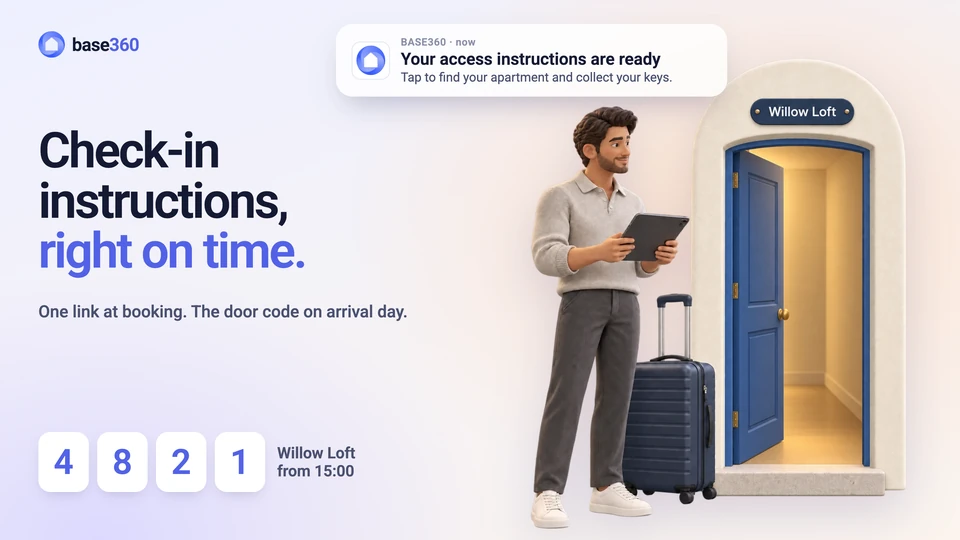
Airbnb check-in instructions: template and examples
A template, three example messages and what to do when the door code fails at 2am.
Operations guide
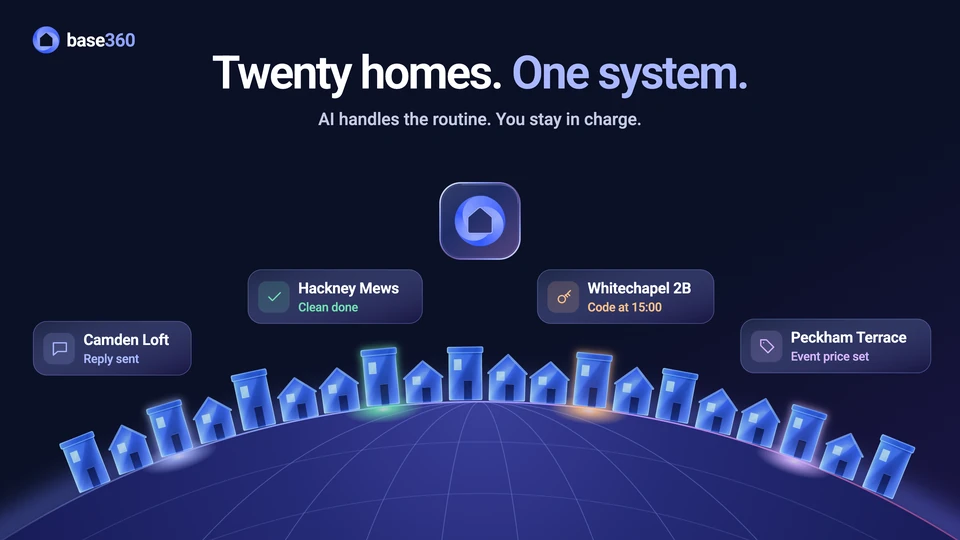
How to manage multiple Airbnb properties
What breaks first as you grow from a few listings to twenty, and how to keep it in hand.
AI automation guide
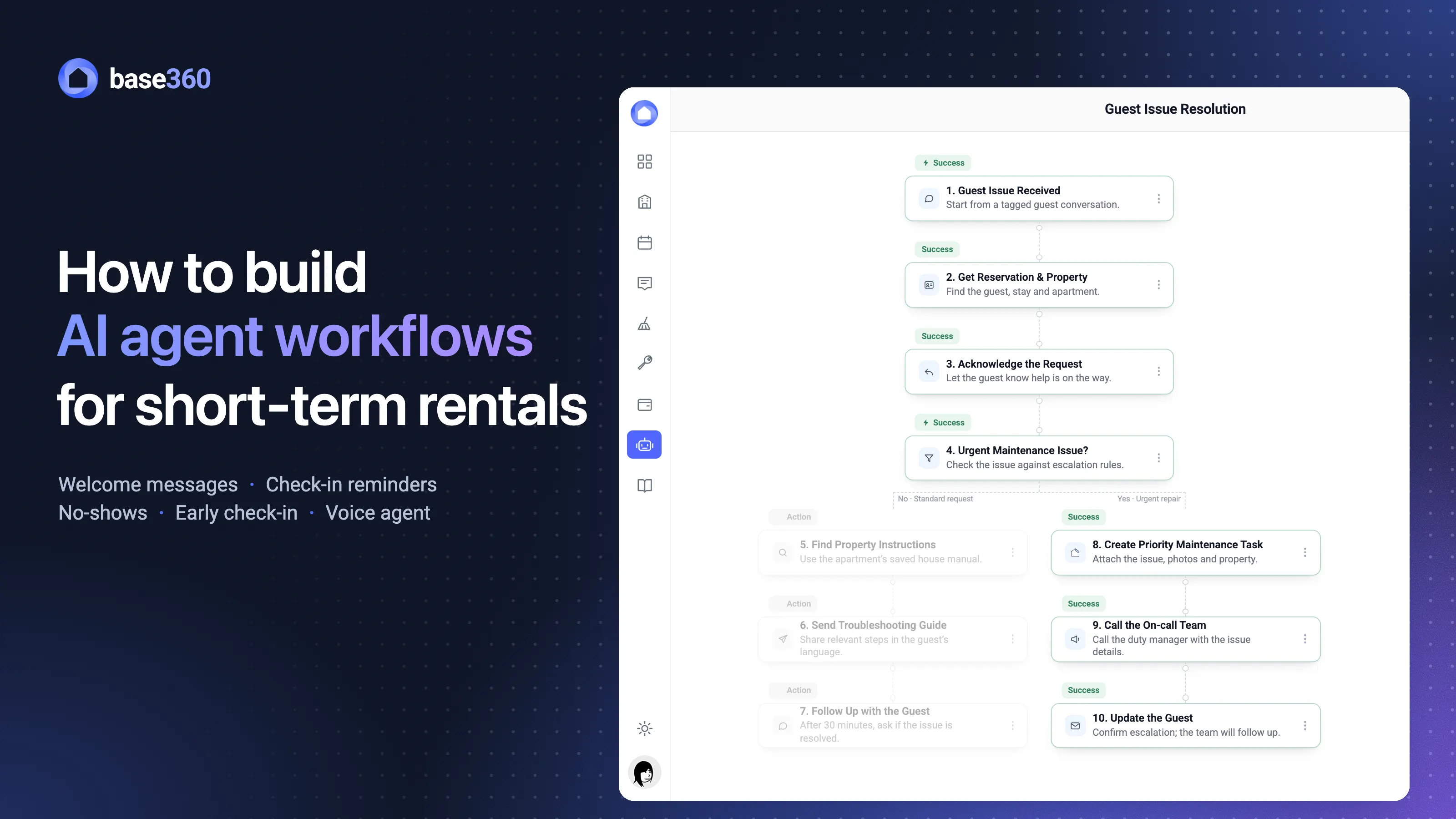
How to build AI agent workflows for short-term rentals
Welcome messages, check-in reminders and no-show checks, followed through one booking’s week.
Walkthrough
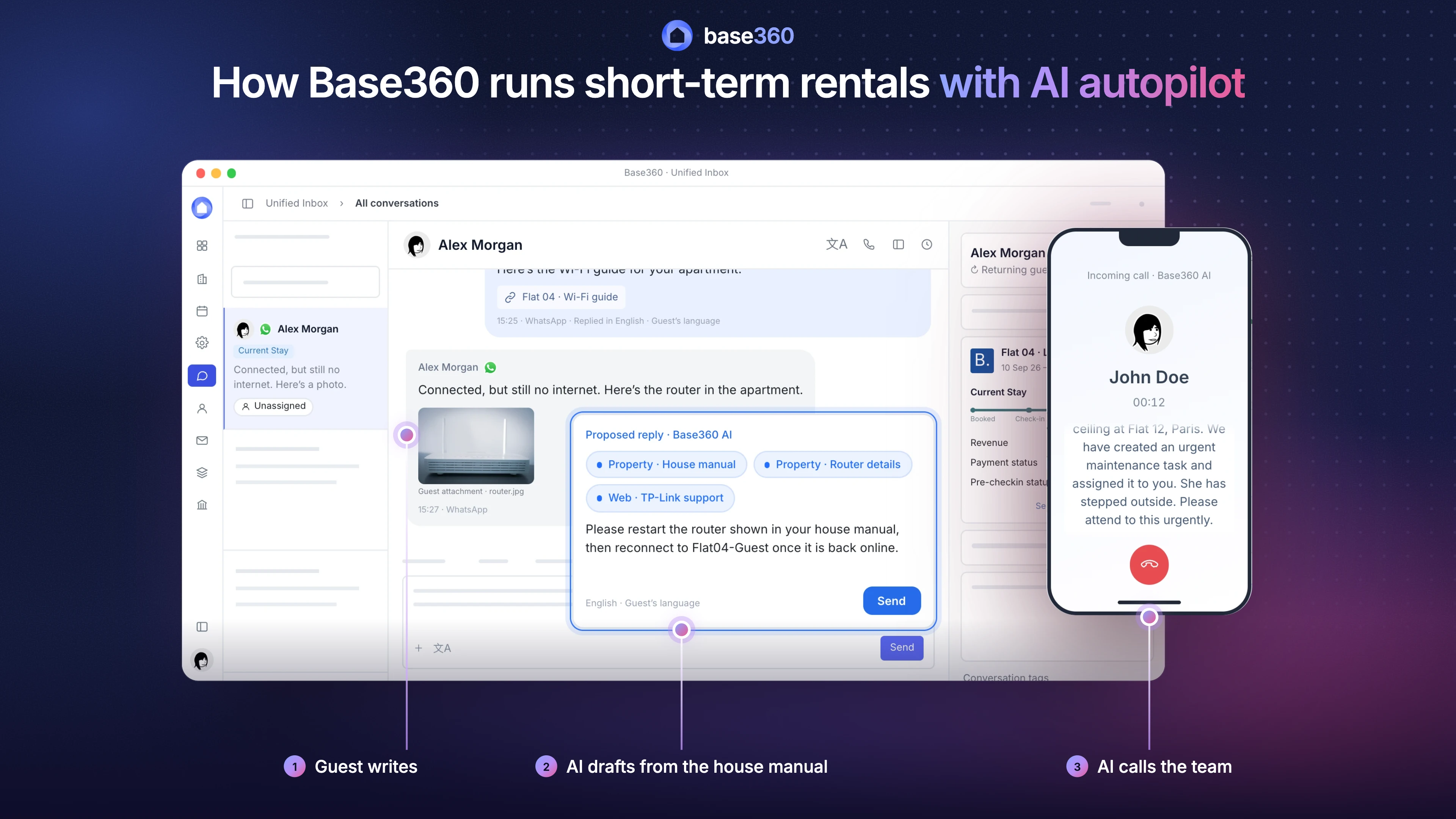
How Base360 runs short-term rentals
One guest issue followed from the first message to the review.
Sources
- Airbnb: Help Center articles Reviews Policy (opens in a new tab), Remove or dispute a review (opens in a new tab) and Superhost requirements (opens in a new tab).
- Airbnb: Help Center article “How reviews work” (14-day window, double-blind publishing, editing).
- Airbnb: Content Policy (opens in a new tab) (threatening, insulting or harassing content, and private information).
- Booking.com: Partner Hub article Traveller Review Awards 2026: FAQs (opens in a new tab) (an average score of 8 to 10 to qualify).
- Booking.com: Partner Hub article “Everything you need to know about Guest Review Scores”, and the Partner Hub article Guest review removal (opens in a new tab).
- Boston University: Zervas, Proserpio and Byers, “A first look at online reputation on Airbnb, where every stay is above average” (opens in a new tab), Marketing Letters, 2021. The source of the 95% figure.